








How to Choose the Best Mobile Automation Tool?

With the rising complexity of mobile apps, manual testing will be insufficient. As such, automation testing of mobile apps leads to quicker releases, improved accuracy, and extensive test coverage. It uses the best mobile test automation tools and scripts to assess the functionality, performance, and usability of mobile apps on various devices and operating systems (OS).
The main goal of mobile automation testing is to check the quality and reliability of mobile apps by identifying and preventing defects. It consists of designing and executing test scripts that automate interactions within a mobile application. These scripts simulate user actions like entering text, tapping buttons, and more. Let us dive into mobile test automation benefits.
Mobile Test Automation Benefits
- To minimize in-house device lab costs.
- Inspects data tables, file contents, and internal program states to determine if a product is behaving as expected.
- Efficiently execute thousands of different complex test cases during each test run, providing increased test coverage.
- Reliable and accurate when running the required repetitive tests, and cannot be skipped without jeopardizing product quality.
- Ensures consistency by repeating the same test steps precisely and never fails to record results.
What Features Should a Mobile Testing Tool Have?
A good mobile testing tool features automation capabilities, supports various devices, and has robust reporting. Key features include compatibility testing across OSes and screen sizes, performance testing to check responsiveness, and security testing to find vulnerabilities.
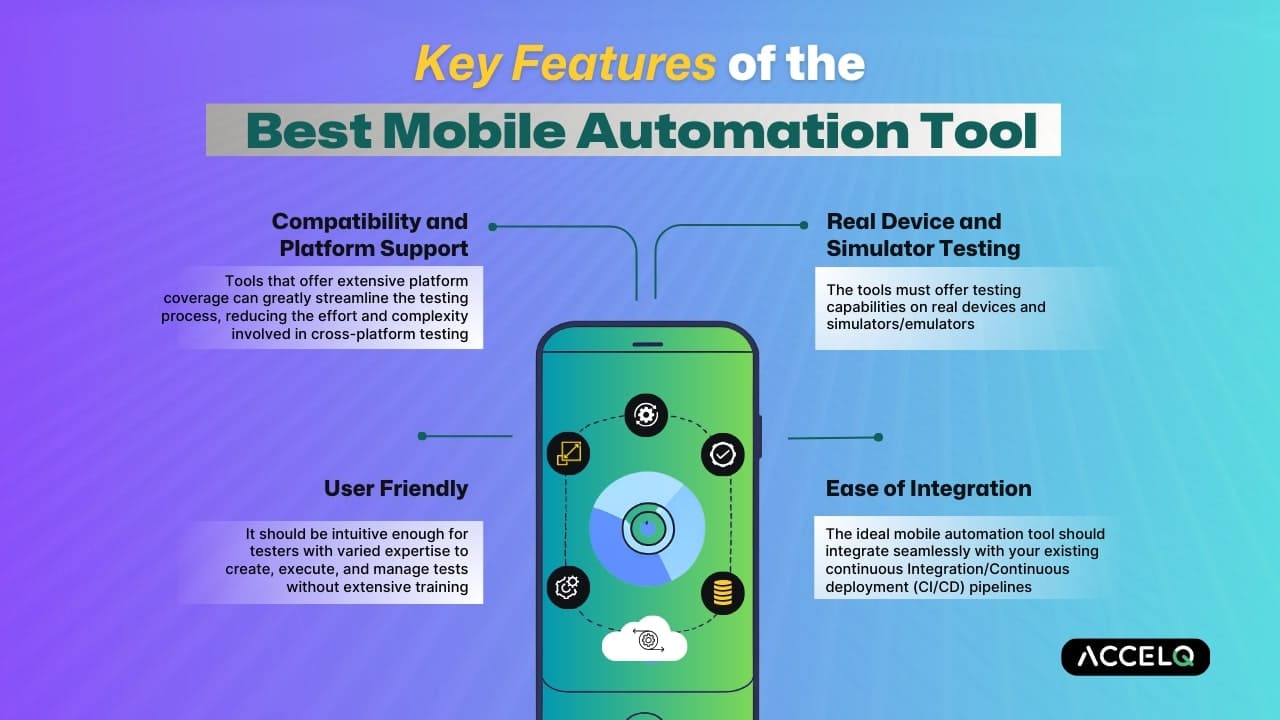
Compatibility and Platform Support
Check whether the tool supports the platforms on which your application will run, such as web interfaces. Tools that support extensive coverage can greatly streamline the testing process, reducing the complexity involved in cross-platform testing.
Easy Integration
A mobile automation tool integrates smoothly with an existing continuous integration/continuous deployment pipeline. It enables automated test triggers, making the software testing process efficient and reducing manual effort.
User Friendly
It should be intuitive for testers with varied expertise to develop, execute, and manage tests without a lot of training. An interface that is user-friendly can improve team collaboration and productivity.
Real Device and Simulator Testing
The tools offer testing capabilities on emulators, simulators, and real devices. Simulators provide a rapid and controlled test environment, while real device testing ensures your application works well in real-world scenarios.
SUGGESTED READ - Cross-Browser and Cross-Platform Testing: A Complete Guide
Which Tool is Best for Android and iOS Automation?
The best tool for mobile test automation depends on your technical expertise, budget, and reusability of the code. However, the best choice aligns with the existing skills of your team and project requirements.
Best Tools for Android and iOS Automation
| Tools | Platform |
|---|---|
| ACCELQ | Android and iOS |
| Selendroid | Android |
| XCUITest | iOS |
Best Mobile Automation Tools for 2026
The best mobile automation tools 2026 include AI-powered platforms such as ACCELQ and frameworks like Espresso. The choice to perform testing depends on the project’s needs, the expertise of your team, and the cost.
How to Choose the Best Mobile Automation Tool?
Now you are aware of the features. But is there anything we are missing? Yes, there are a few final checks on how to choose the best mobile automation tool to test. Selecting the right tool can impact your app quality. It helps to know what separates the best testing tool from the rest. Here are what to consider:
- Testing on real devices gives a precise idea of how your app performs. So, choose tools that make it easy to switch between emulators for fast checking and real devices for thorough testing.
- Check whether your mobile app runs on iOS, Android, and Windows, then opt for a tool that supports all of them.
- As your mobile app grows, testing will increase. Look out for mobile testing tools that support parallel execution of tests, handle vast test suites, and provide cloud testing to scale smoothly.
- Your tool should work smoothly with existing tools, such as JIRA or GitHub, to manage workflows and share information with your team more easily.
- Use free subscriptions to perform hands-on testing.
Assess the ease of setup, execution speed, and results analysis of the tool. - Tools come from free and open-source to enterprise-grade solutions. Select one that suits your budget without missing the features.
- Check user reviews and testimonials to know real-world usage.
- Discuss tool performance and seek support from community forums or social media groups.
Conclusion
We believe you now have a complete idea about the choosing process. Make sure the tool expedites your requirements and matches your budget restraints. Now, you may have a question. Is there a single tool for all mobile testing needs? Yes, a tool named ACCELQ is available for all your mobile testing needs. Because the tool can design, develop, and execute mobile test automation with zero setup and no coding. It supports integrated device cloud labs for cross-device testing in a plug-and-play model. The tool offers a unified, OS agnostic approach with a central object repository for Android and iOS.



Geosley Andrades
Director, Product Evangelist at ACCELQ
Geosley is a Test Automation Evangelist and Community builder at ACCELQ. Being passionate about continuous learning, Geosley helps ACCELQ with innovative solutions to transform test automation to be simpler, more reliable, and sustainable for the real world.

You Might Also Like:
 Mobile Testing with Emulator
Mobile Testing with Emulator
 Responsive Mobile Web Testing Strategies
Responsive Mobile Web Testing Strategies
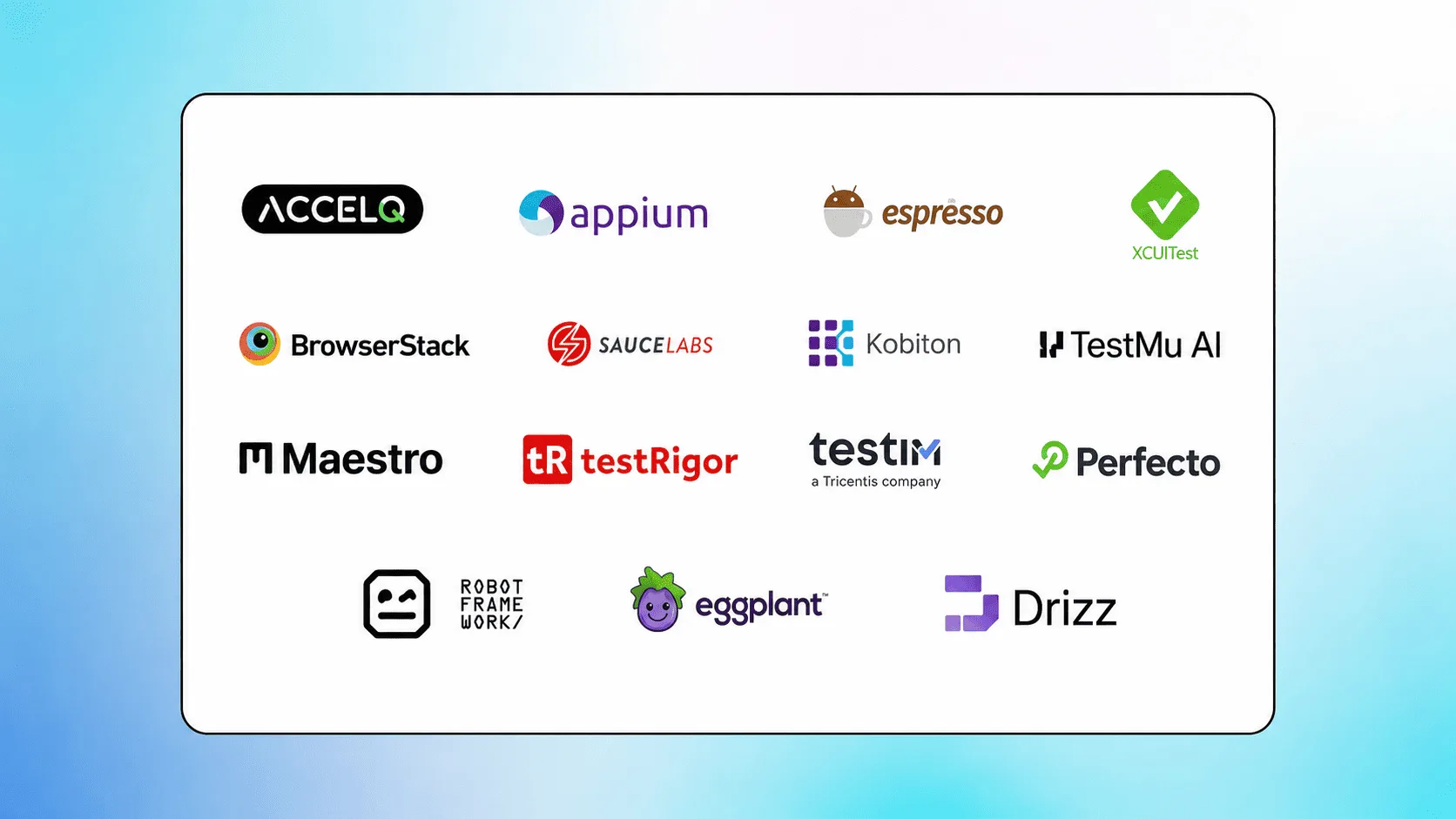 15 Best Mobile Testing Tools In 2026